💬 Chat Bot tab
Watch and join in with the game chat, let players swap teams by themselves, and have WolfRAT deal with bad language and chat spammers while you are not looking.
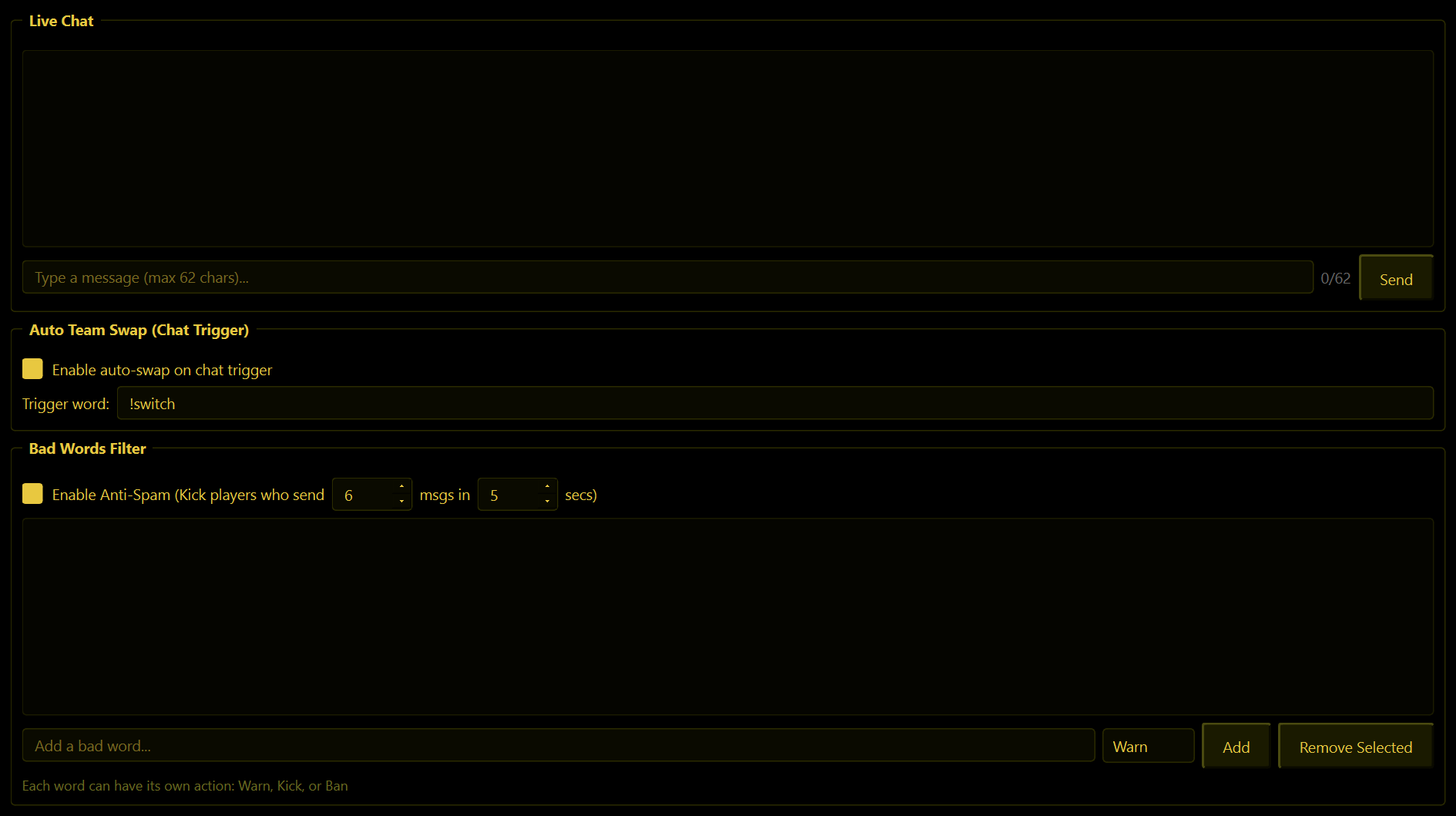
Live Chat
Everything players say, as it happens. Type in the box and press Enter or Send to talk to the server; your lines show up as [ADMIN].
A chat line can be 62 characters at most - the counter next to the box shows how many you have used. That limit is the game's, and it applies to everything WolfRAT says anywhere.
You will also see WolfRAT's own notes here in colour: [SWAP], [FILTER] and [ANTI-SPAM] lines tell you when it has done something by itself.
Auto Team Swap (Chat Trigger)
Lets any player change teams by typing a word in chat - no admin needed.
- Enable auto-swap on chat trigger - on by default.
- Trigger word -
!switchunless you change it (!swapand!teamare popular).
When a player types it, WolfRAT moves them to the other team and respawns them at their new base. To stop people hopping back and forth, each player can only do it once every 2 minutes.
Tell your players about it - the private welcome has a second line made for exactly that.
Bad Words Filter
The word list
Type a word, choose what should happen - Warn, Kick or Ban - and press Add. Each word can have its own punishment, so mild words can earn a warning and the worst ones a ban. Remove Selected takes a word off the list.
| Action | What the player gets |
|---|---|
| Warn | A public "Watch your language!" warning in chat. |
| Kick | Kicked, and the server is told why. |
| Ban | Banned, and the server is told why. |
It matches the letters anywhere in a message, even inside a longer, innocent word. Be careful with short words: adding "ass" would also catch "pass" and "class". Stick to words that cannot appear inside normal ones.
In WolfRAT 2.6.4 the word list is kept only while WolfRAT is open - you will need to add your words again after restarting it. A fix is on the way.
Anti-Spam
Enable Anti-Spam kicks a player who sends too many messages too quickly. Out of the box that is 6 messages in 5 seconds, and you can change both numbers. The server is told who was kicked and why.
Good to know
- When WolfRAT first connects it ignores the chat that was already there, so old messages never trigger a swap or a kick.
- The filter and the anti-spam only work while WolfRAT is running and connected.