⌨️ Console tab
A live log of everything WolfRAT and your server are saying to each other, plus a box for typing server commands by hand. Most admins only come here to see why something did not work.
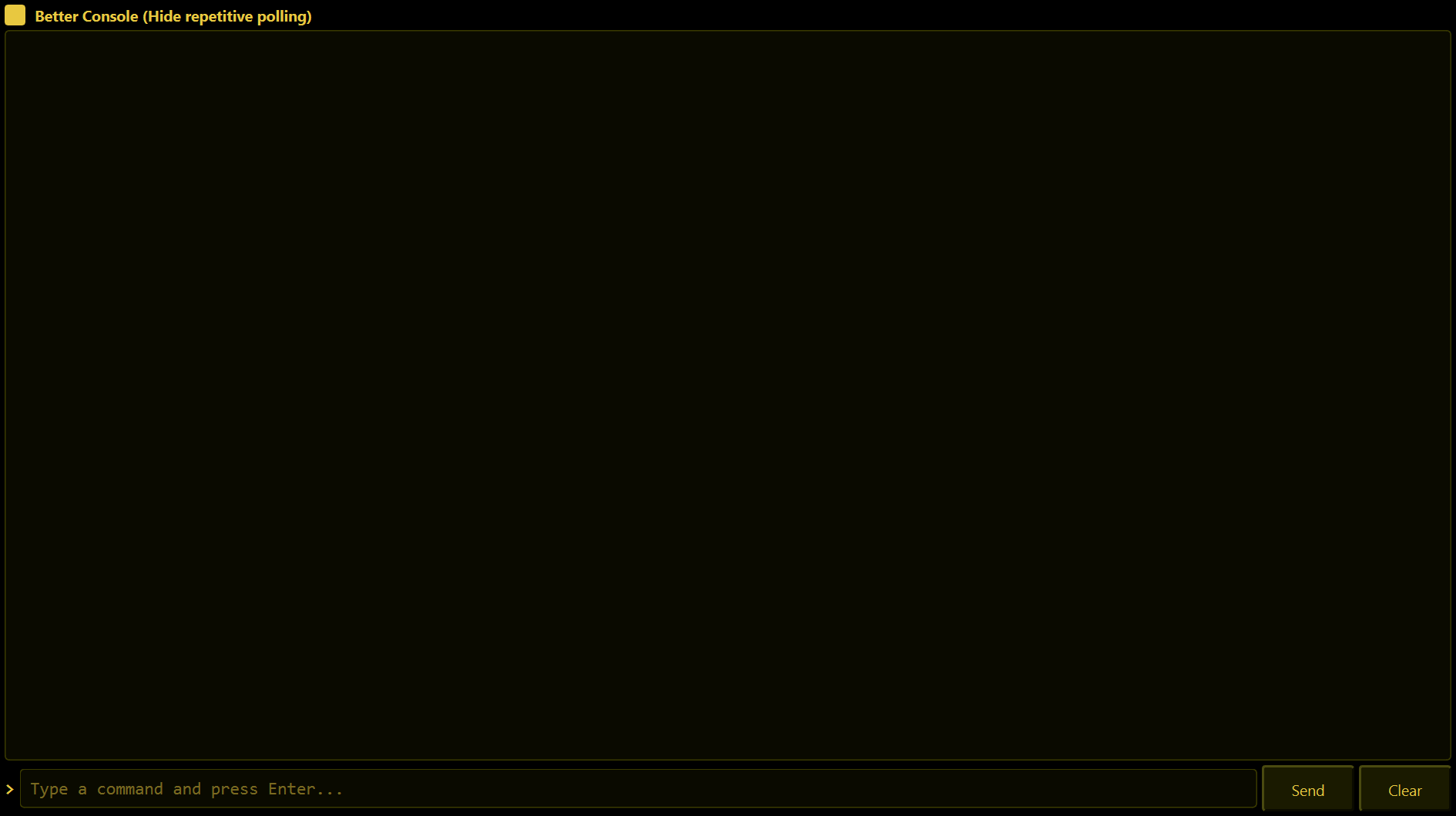
The log
Every line has the time in front of it. When a button somewhere else in WolfRAT does not seem to do anything, look here - WolfRAT does not throw pop-up errors for server commands; it writes the reason here instead (for example "was not verified" or "rejected").
- Better Console (Hide repetitive polling) - ticked by default. WolfRAT asks the server for fresh information every 5 seconds, which would flood the log; this hides that chatter so you only see what matters. Untick it to see absolutely everything.
- The log only follows new lines if you are already scrolled to the bottom. Scroll up to read something and it stays put.
- Clear empties what is on screen. Nothing is deleted on the server.
Typing a command
Type in the box and press Enter or Send. If you are not connected you get "Not connected to server".
| Example | What it does |
|---|---|
GET GAMESTATE | Shows the current game state. |
CHAT SEND Hello everyone | Says something in game chat. |
MISSION LIST | Lists the map rotation. |
MISSION CYCLE | Moves on to the next map. |
PLAYER PUNT 7 | Kicks the player whose ID is 7 (IDs are on the Players tab). |
WolfRAT checks what you type before sending it and refuses anything the server cannot handle safely - for example a player command without a player number. If it refuses, it tells you why in the log. Chat lines are limited to 62 characters; that limit comes from the game itself.
You rarely need this box. Everything common has a proper button on another tab, and those buttons double-check that the server really did what was asked.