👥 Players tab
Everyone on your server, and the buttons to deal with them - warn, kick, ban, swap teams - plus one-click team balancing.
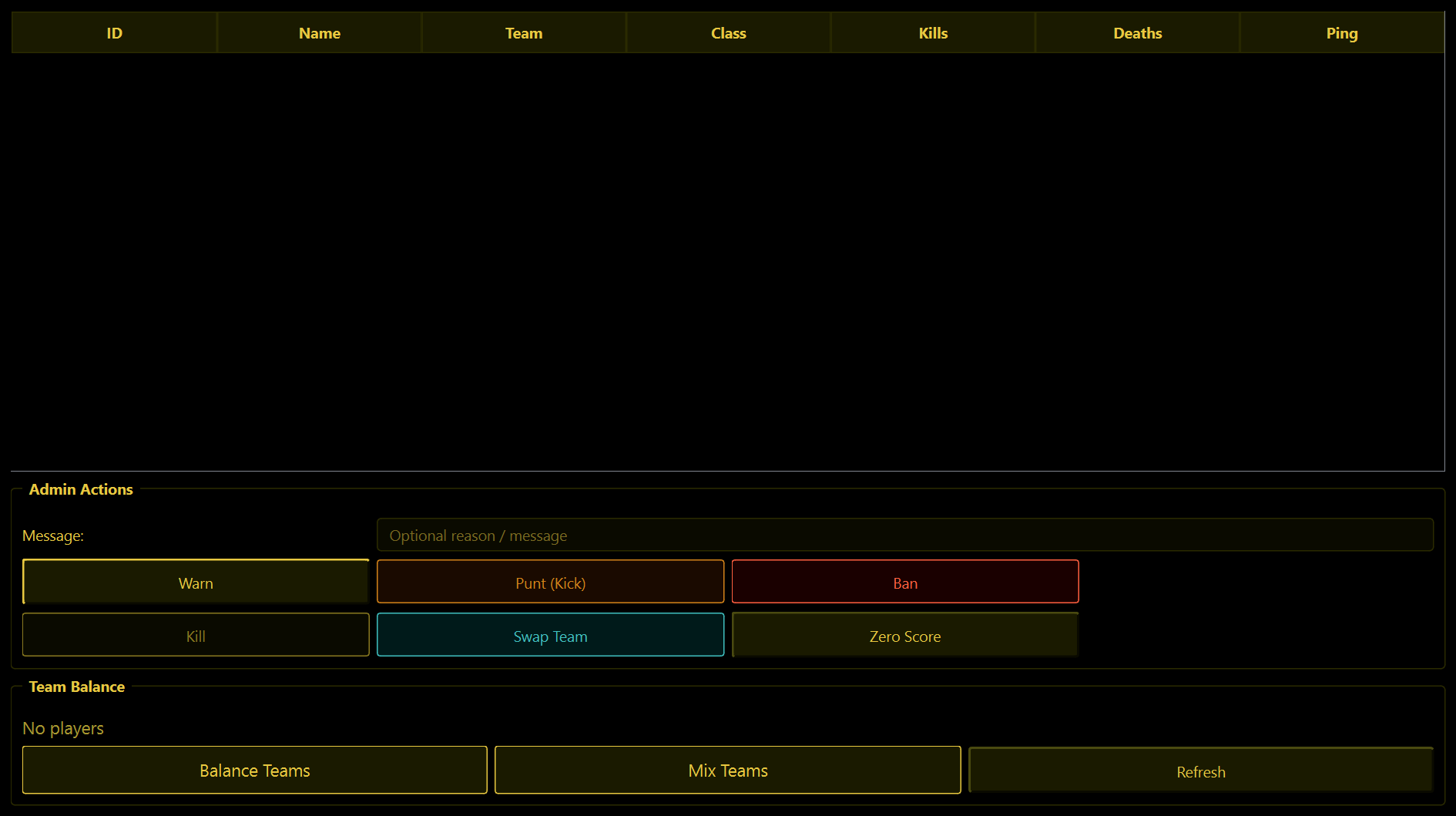
The player list
One row per player: ID, Name, Team, Class, Kills, Deaths, Ping. It refreshes by itself every 5 seconds. Click a row to select a player - every button below acts on the selected player.
Admin Actions
Select a player first. These act straight away - there is no "are you sure".
| Button | What it does |
|---|---|
| Warn | Says "WARNING to (name): (your message)" in game chat, where everybody can see it. Type your message in the Message box first; leave it empty and it says "You have been warned!". |
| Punt (Kick) | Kicks the player, then tells the server "(name) has been kicked". They can rejoin. |
| Ban | Bans the player, then tells the server "(name) has been banned". They cannot rejoin. |
| Kill | Kills the player. They respawn as normal. |
| Swap Team | Moves the player to the other team and announces it in chat. |
| Zero Score | Resets the player's score to zero. |
The Message box is only used by Warn. The game has no way to send a reason along with a kick or a ban, so say your piece with a warning first if you want them to know why.
WolfRAT checks afterwards that the server really did it (the player actually left, the team actually changed). If something fails, the reason is in the Console.
Team Balance
The line above the buttons counts both teams for you, for example "Joint Ops: 5 players (42 kills) | Rebels: 4 players (37 kills)". It adds a red UNBALANCED when one team is more than one player bigger, or more than ten kills ahead.
- Balance Teams - moves randomly chosen players off the bigger team until the numbers are even. Asks you to confirm first.
- Mix Teams - shuffles everybody across both teams at random, announces it in chat, and finishes with "Teams shuffled! Good luck all." Asks you to confirm first.
- Refresh - fetches the player list right now.
Players who are moved by Balance or Mix are killed so that they respawn at their new team's base. That is deliberate - otherwise they would be standing in the enemy's spawn.
Your moderators can do most of this from inside the game with chat commands like !kick and !balanceteams - see the Mods tab.